CryEngine - The Light I Have Missed
In the recent iteration of my game, I finished one render technique, and the ECS question was raised, that’s time to add some logic to the scene. So immediately I found some information, but everything had lack of the full picture. CRYTEK allows you to get access to source code for free, so I used my chance to gain some knowledge above the theoretical level, and this week I will be trying to post one post after a day of research.
High overview picture
Everything below is about Cry Editor, actual game/product can follow different rules, and this will be reviewed in later steps.
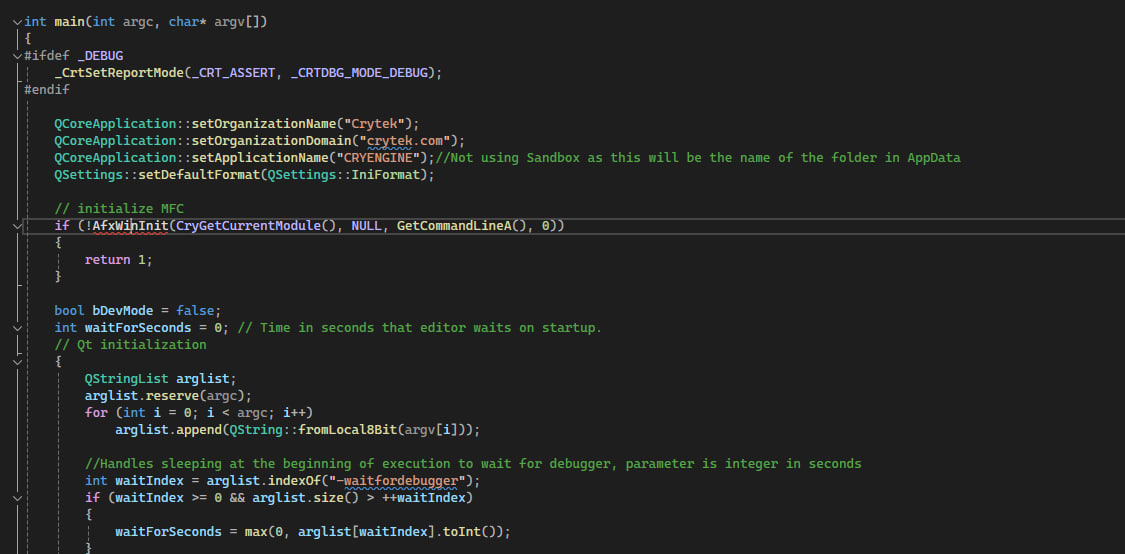
So the first thing I always want to know - is the entry point, that’s pretty easy to find, but a more interesting fact is CRYTEK uses Qt (that’s an amazing framework, I have worked with it for a few years, if you never heard about this and you are C++ dev, be sure to check it out).
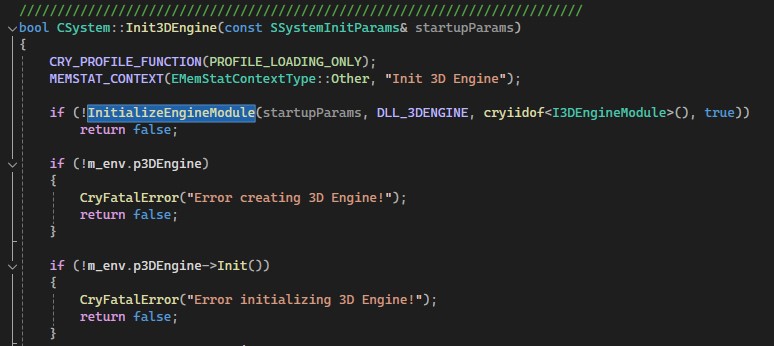
CryEngine uses really interesting architecture for modules, they load DLLs for every feature they need. That’s similar to Unity’s subsystem (if you are familiar with it) and probably a very common technique, but I have never seen this outside of my Unity projects. CrySystem is the main point for the modules loading process, method Initialize loads everyone - you can find them as InitRenderer, initMetwork, InitInput, Init3DEngine etc but all of those calls use InitializeEngineModule call inside.
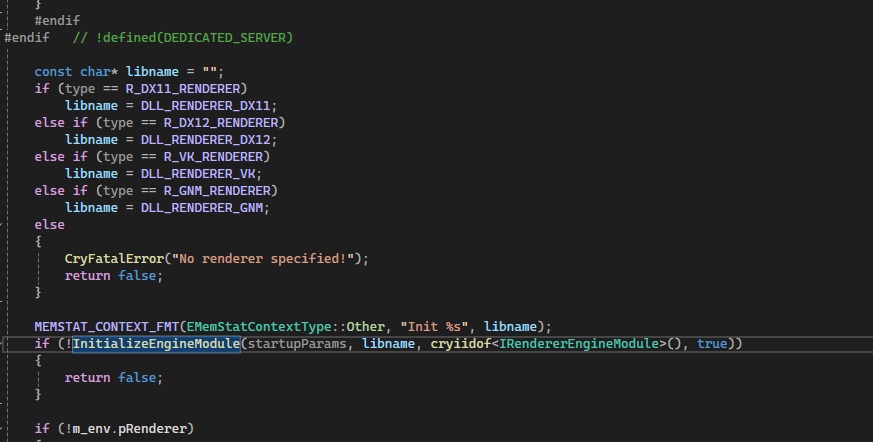
At this point, all systems should be in place and the renderer is initialized with its own call of InitializeEngineModule. Below you can see the actual call and also how the module initializes pRenderer, the main point of access for all future work.
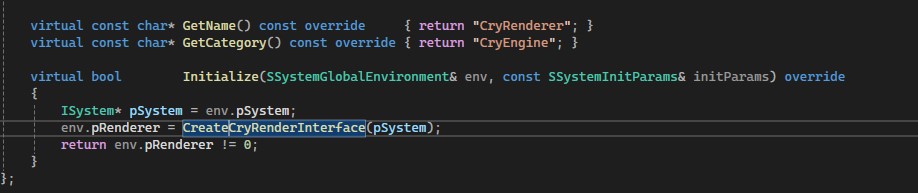
The main codebase (roughly) is separated on the Foundation framework which holds basic enums/utilities and all interfaces like IEntity, IInput, I3DEngine, IRenderNode, IMeshObj, etc and another part holds actual implementation like Cry3DEngine, CryEntitySystem, CryInput, CryNetwork, CryPhysics, CryRendererD3D12, etc. That’s a really good separation. Editor has own interface either but we are here not for that.
Let’s take a look at how CryEngine draws things, in very high terms. We later will research it extensively.
CryEngine uses RenderView as a main class for everything about the view from the camera, that’s really interesting and I never have seen something like this, This class holds a few high-level methods like AddRenderItem, AddRenderObject, also things like AddDynamicLight, AddFogVolume, AddWaterRipple, AddPolygon. As you can see, they are pretty high in feature terms and that’s again not something you can find on this level in other engines. This comes with the price - this class has 3k lines.
When you call AddRenderItem, the method inside initializes SRenderItem descriptor struct and stores it in the m_RenderItems list. One list for different types (general, water, shadow pass, sky, etc). Details about this will be in the next article, don’t want the first one to be a big one. You can use a call like C3DEngine::CreateRenderNode(type) to create something with type or CreateStatObj() to create something more geometry-wise. CryEngine uses IMeshObj interface to describe these objects.
The main render method is the C3DEngine::RenderWorld(). Interestingly it also updates managers.
That’s probably it for today, next time I will show how CryEngine uses a renderer, dispatch jobs for rendering, how it registers devices, and more about engine/renderer relationships.
I hope you found this useful :)
PS:
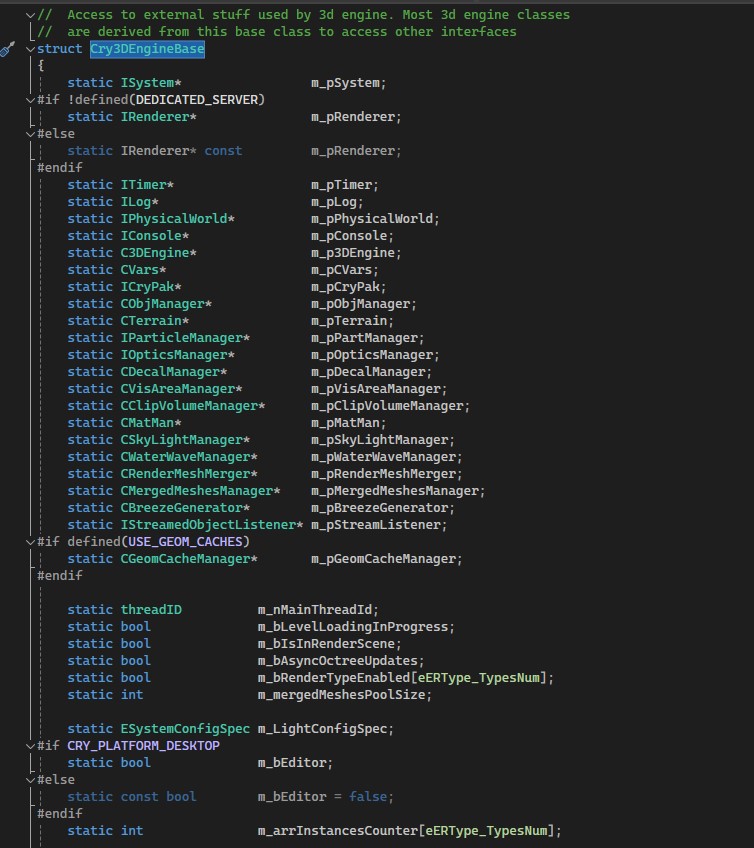
Also really interesting thing and not common, is how CryEngine access managers, CRYTEK uses inheritance with Cry3DEngineBase class which holds static references, that’s probably something that nobody will give you as advice, but we are engineers, we always should make decisions, I’m pretty sure there is a reason for this, and it looks pretty natural in CryEngine codebase